Installation
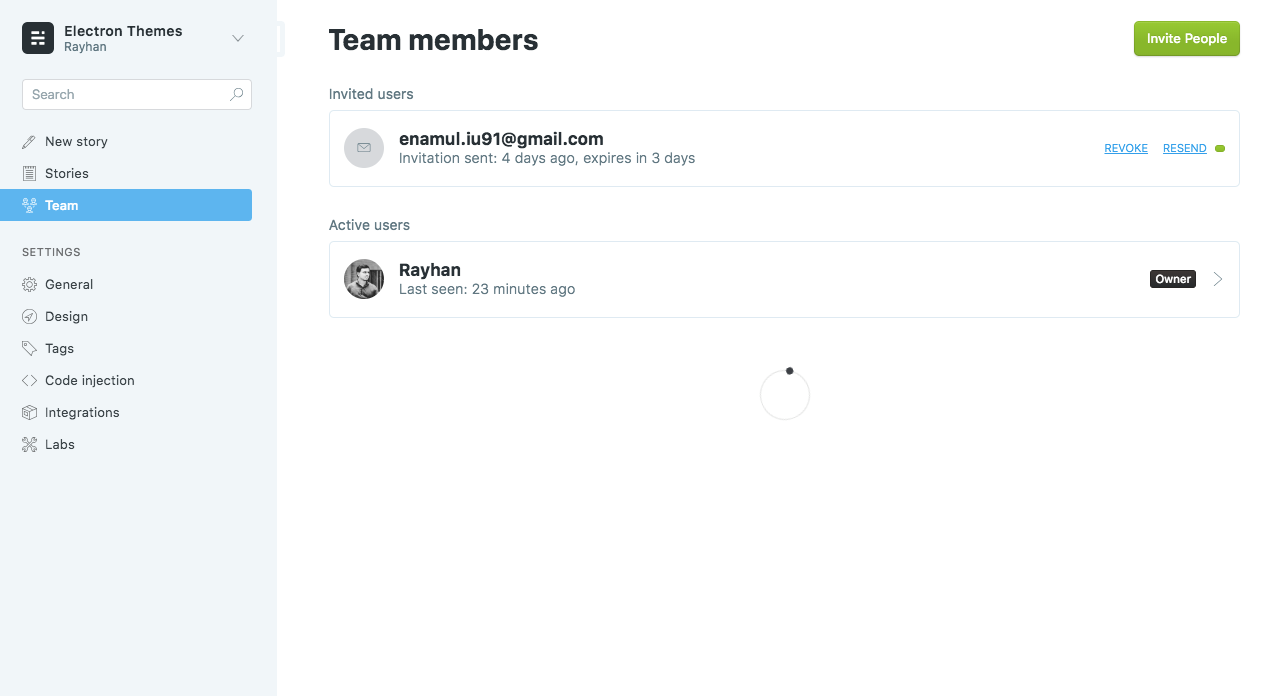
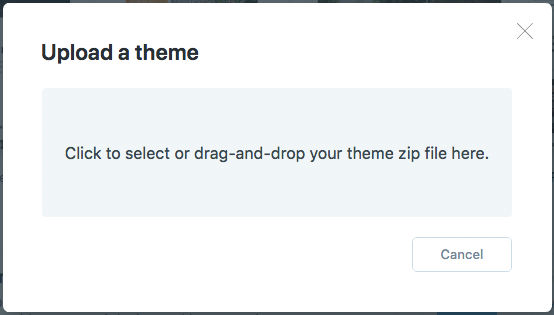
Login to your ghost blog https://yourdomain.com/ghost then navigate to Designs > Uploads Themes.
Drug your downloaded theme zip file.
Menu/Navigation Setup
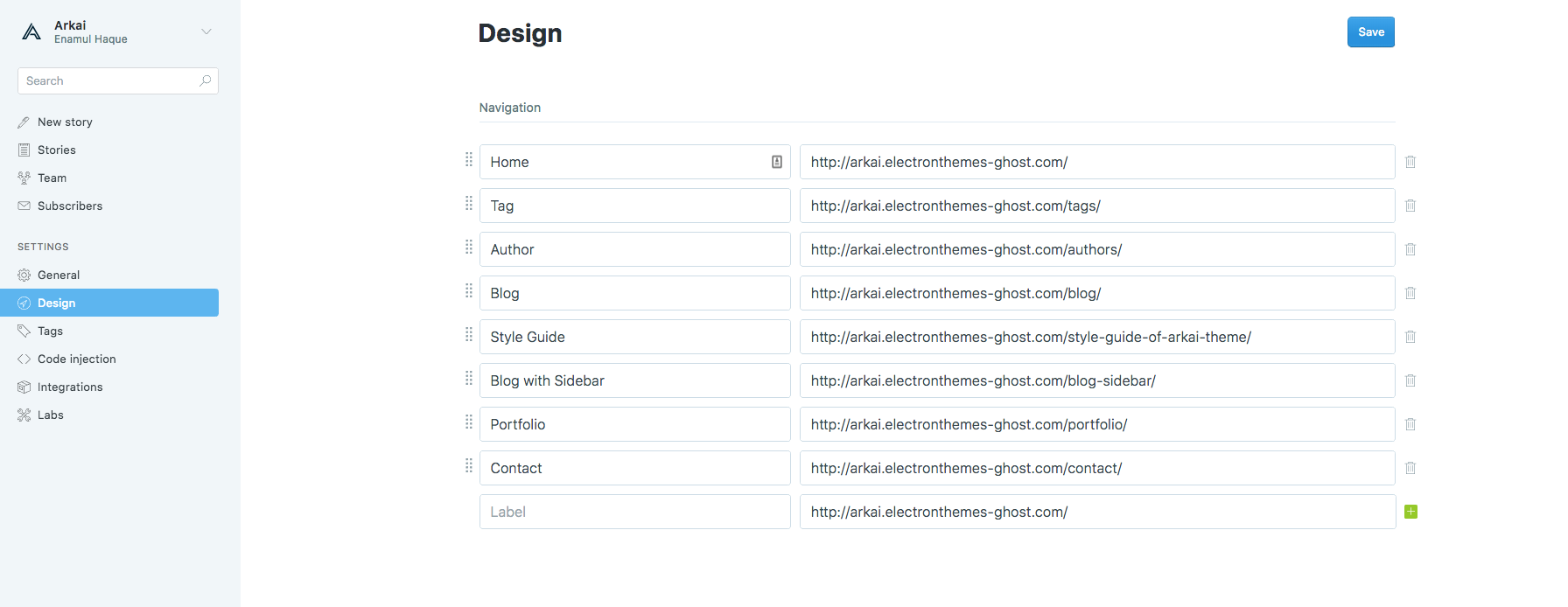
Handle theme menu items from Settings > Design in the navigation section
Setup blog title, header and description
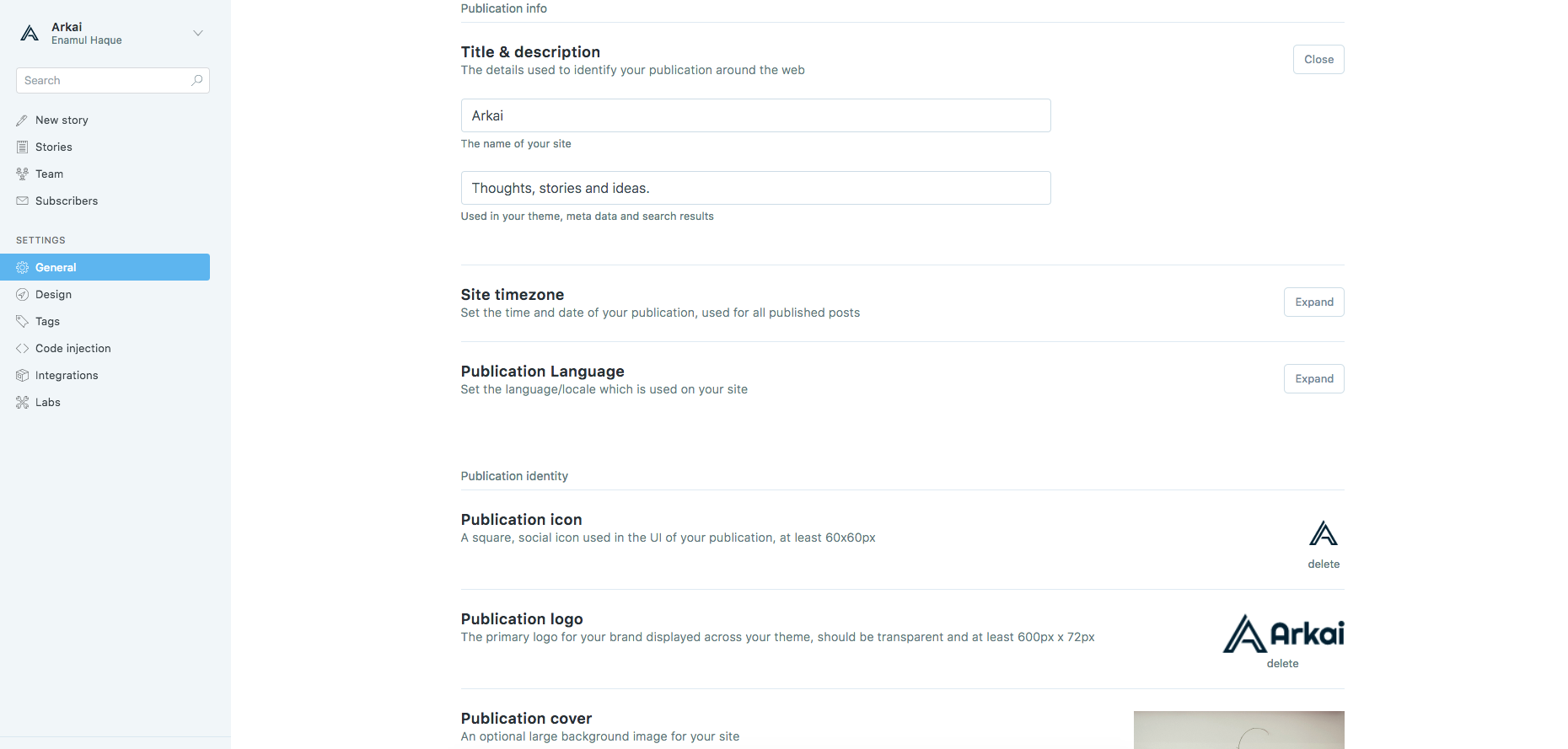
Go to:
- General > Publication icon for Favicon
- General > Publication logo for Logo
- General > Publication cover for Cover Image
General > Title & description
New Page
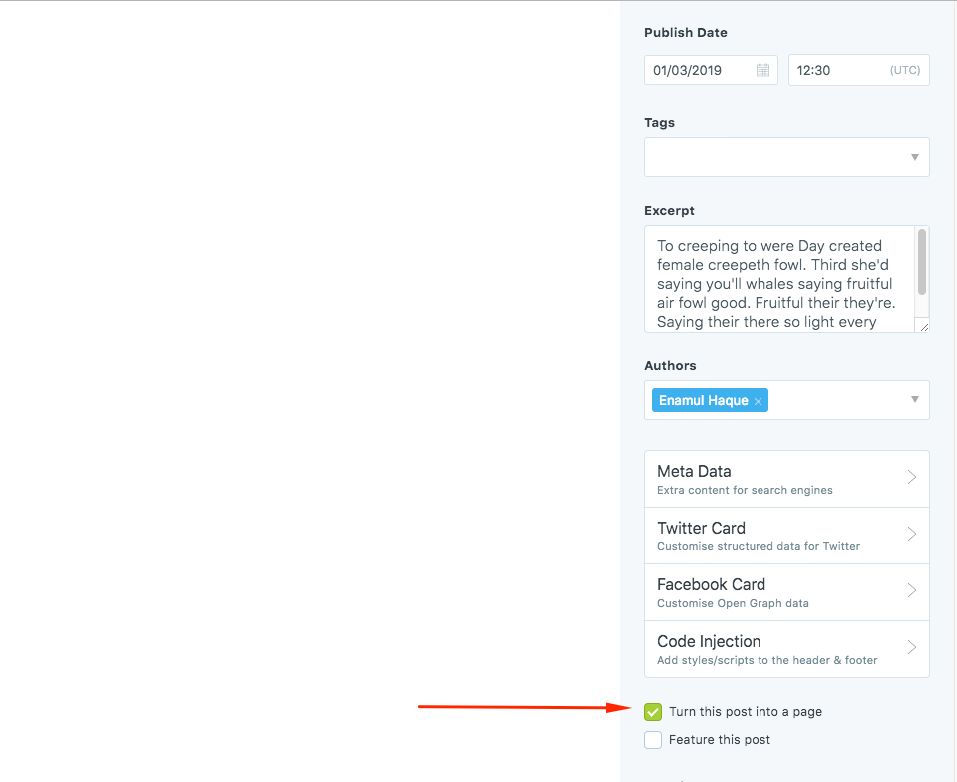
To create new page, go to Dashboard > Stories > New Story Give the title for new stories and mark "Turn this post into a page" from the settings icon
Tag
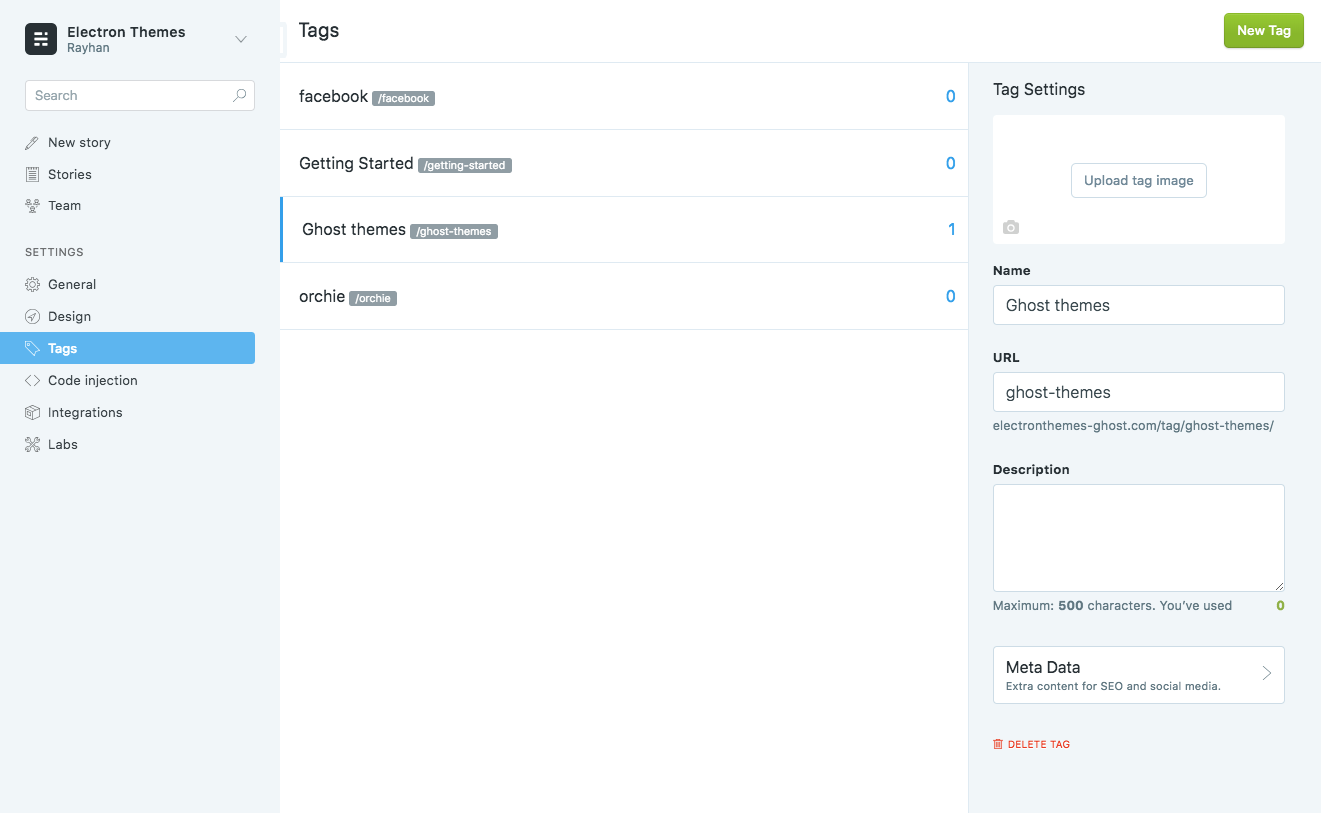
To create tag, go to Dashboard > tags
Authors
To create Author, go to Dashboard > Team