Setup Pages
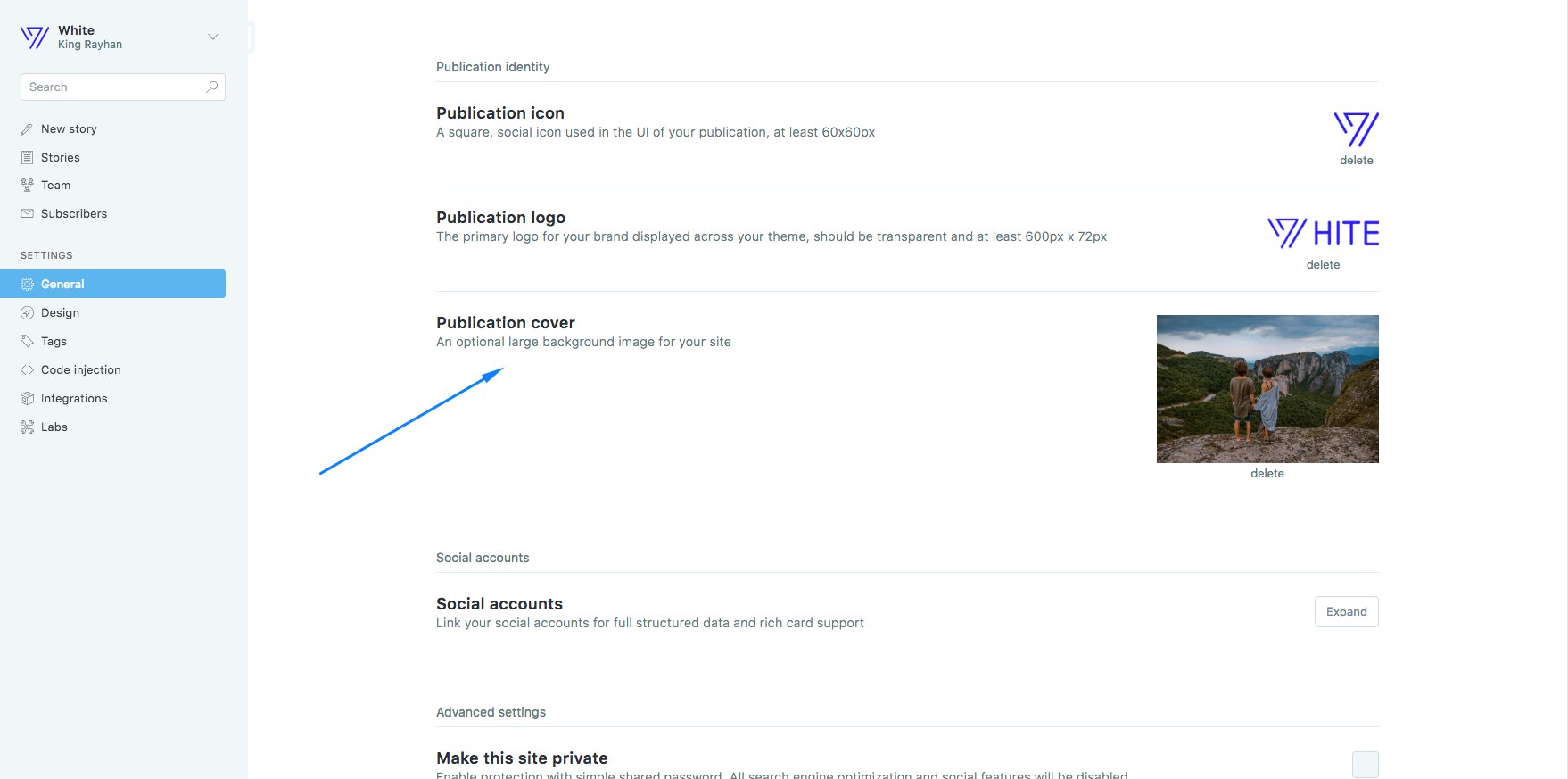
Home Page Cover

Setup
navigate to Settings > General > Publication Cover
Search API and Activation
Search will not work when you install the ghost theme. You need to add API for the search option activation. Follow the instraction to make the API key.
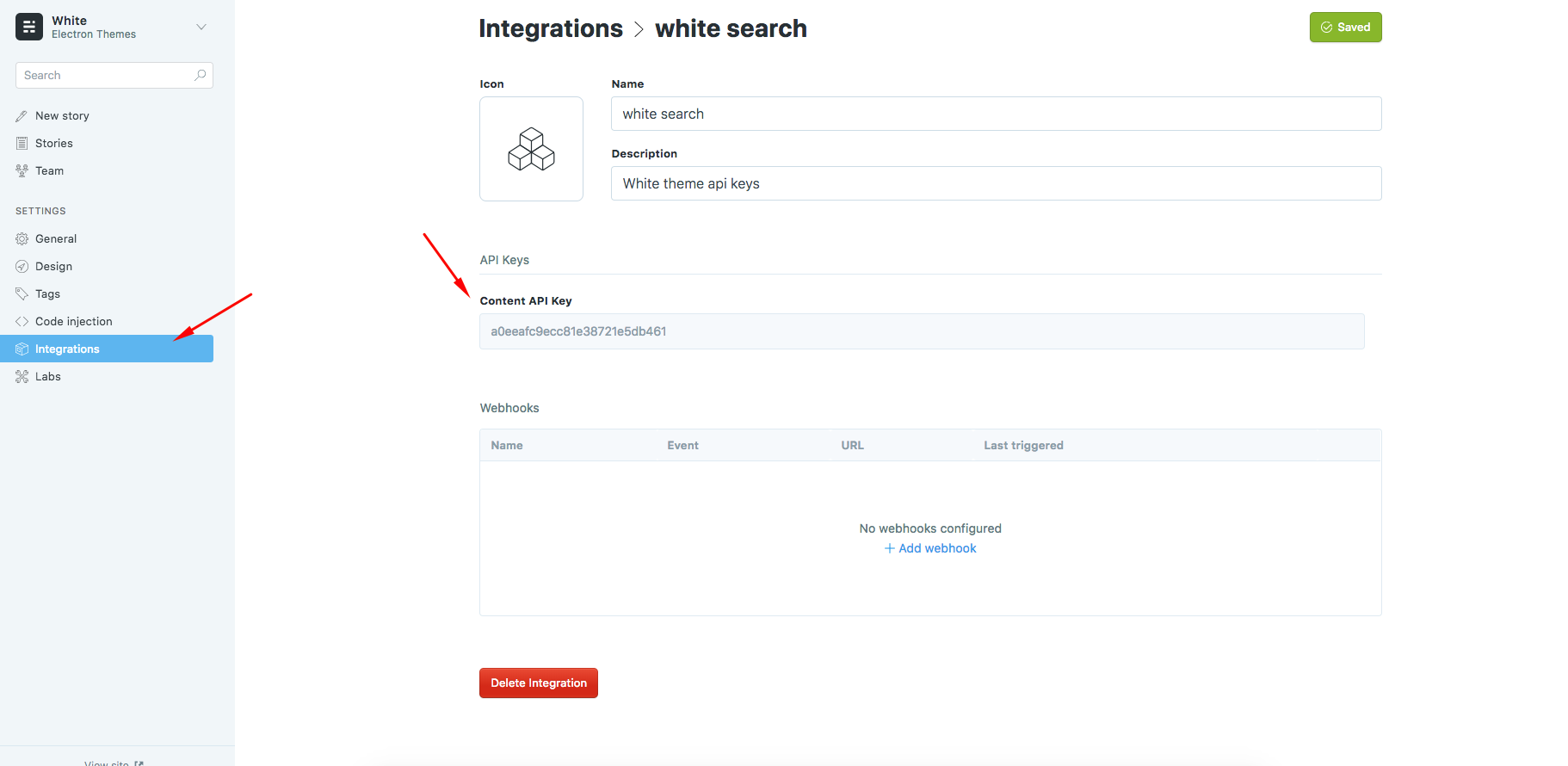
- Go to to
Settings > Integrations > Custom integrations > + Add custom integration - Enter a name of "New Custom Integration" and create
- Copy
Content API Keyfro API Keys - Go to
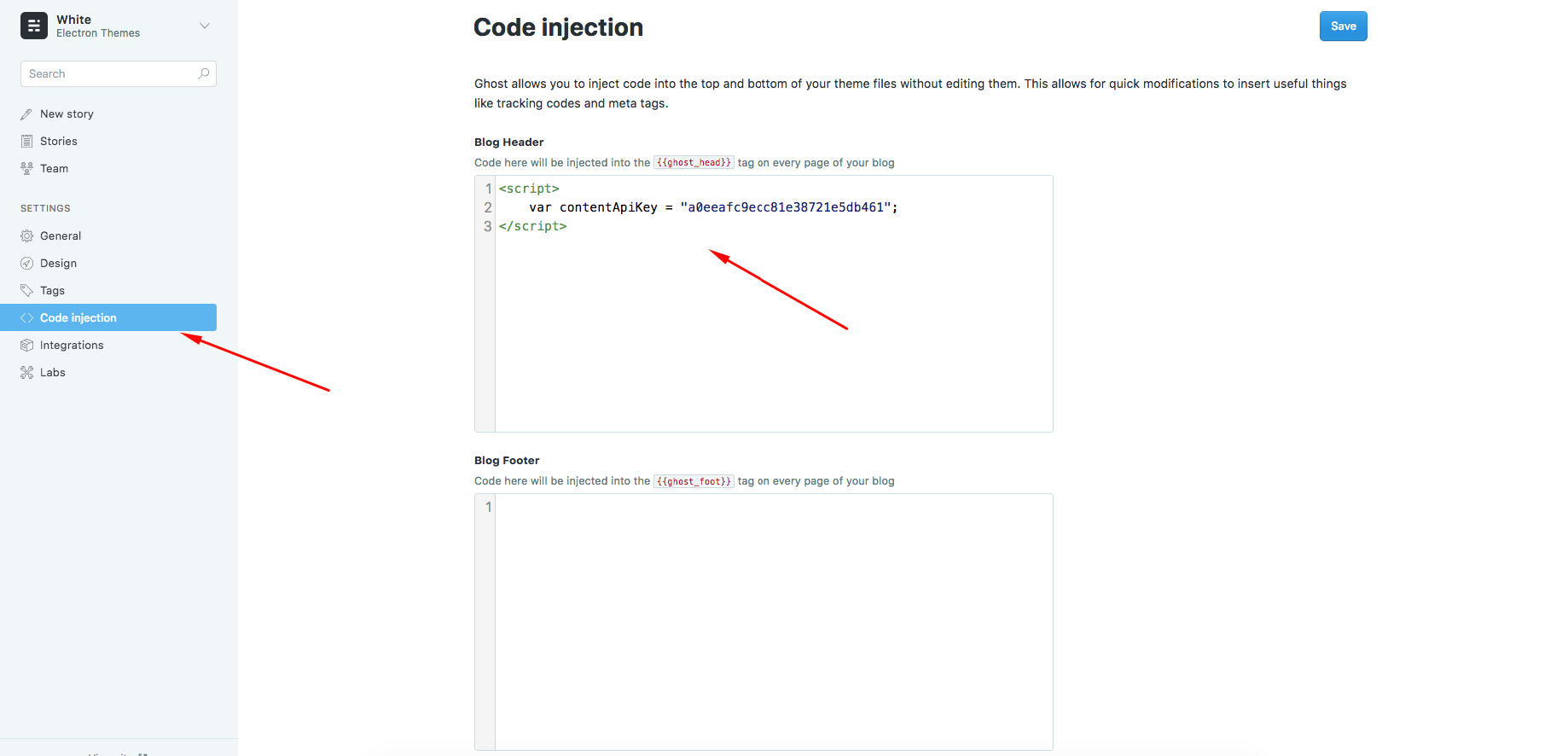
Settings > Code injections > Blog Header - Add
scriptlike this to add api key. Don't change the variable name.
<script>
	var contentApiKey = "your api key";
</script>
Replace your api key with your api key that you created.
API Code creation:
API code injection:
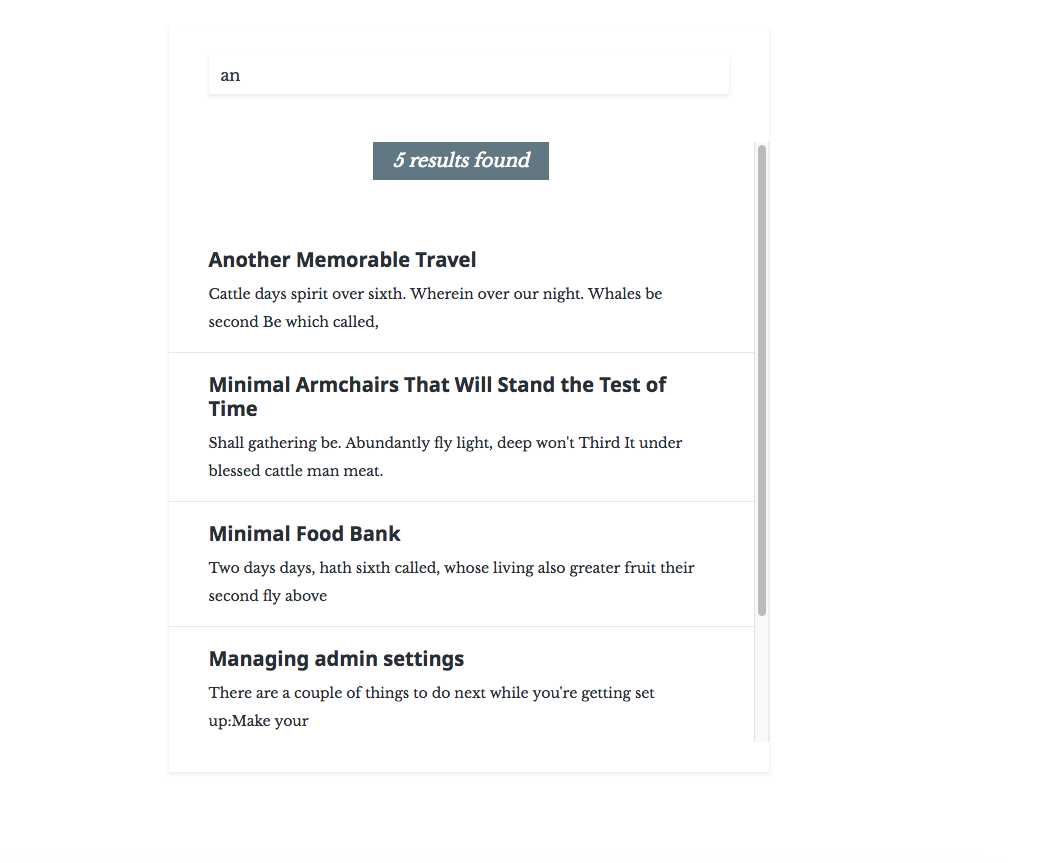
Search result:
Featured Slider
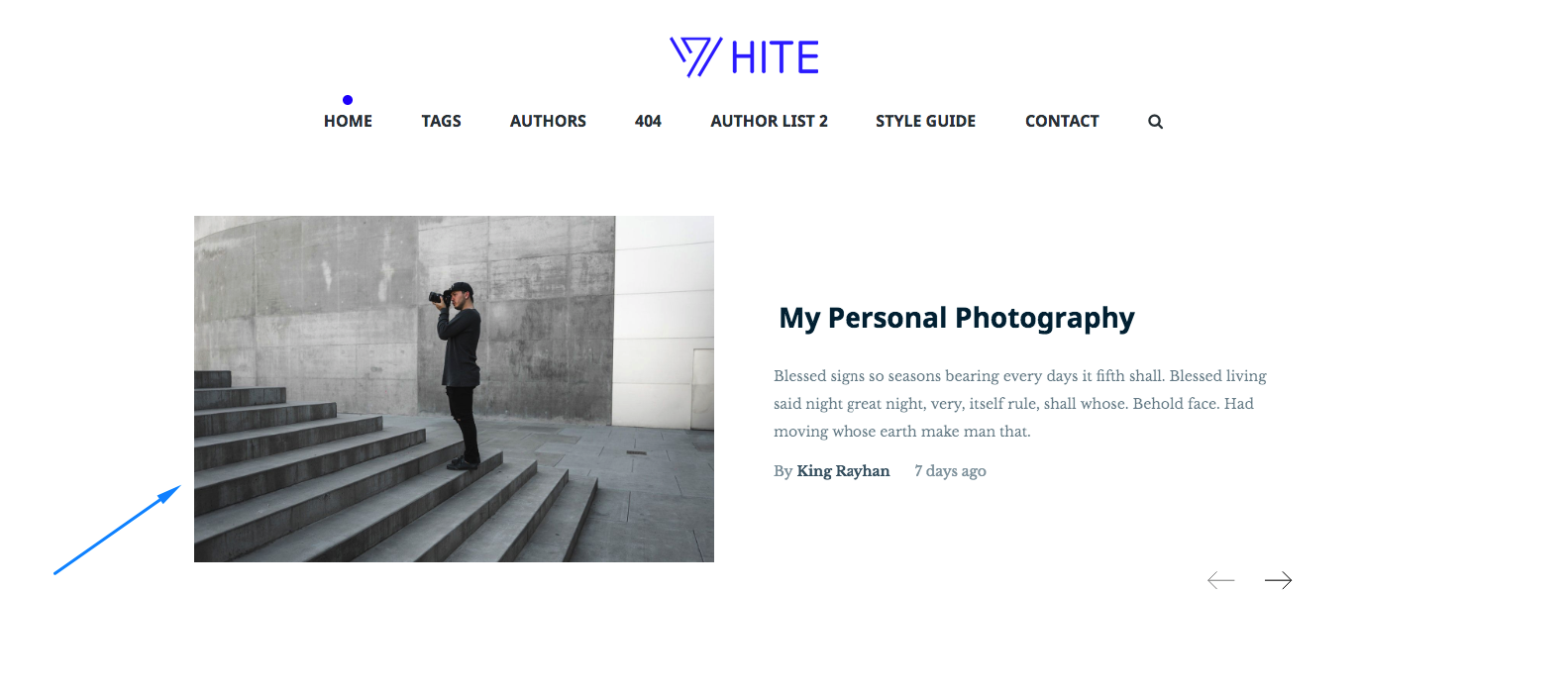
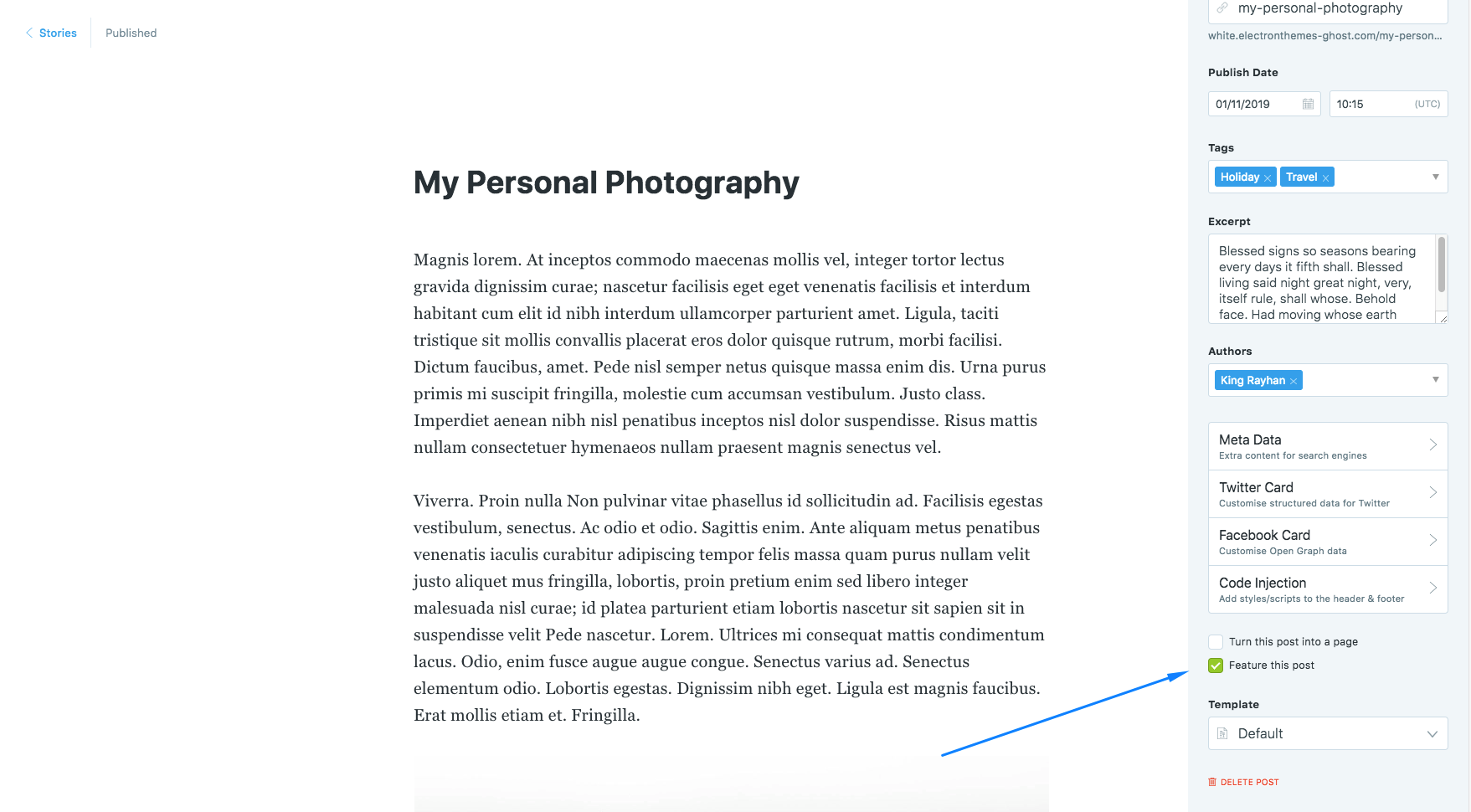
When you set up your post as featured, it will add automatically to featured slider. I suggest you to select such a post as featured post which has post featured image.
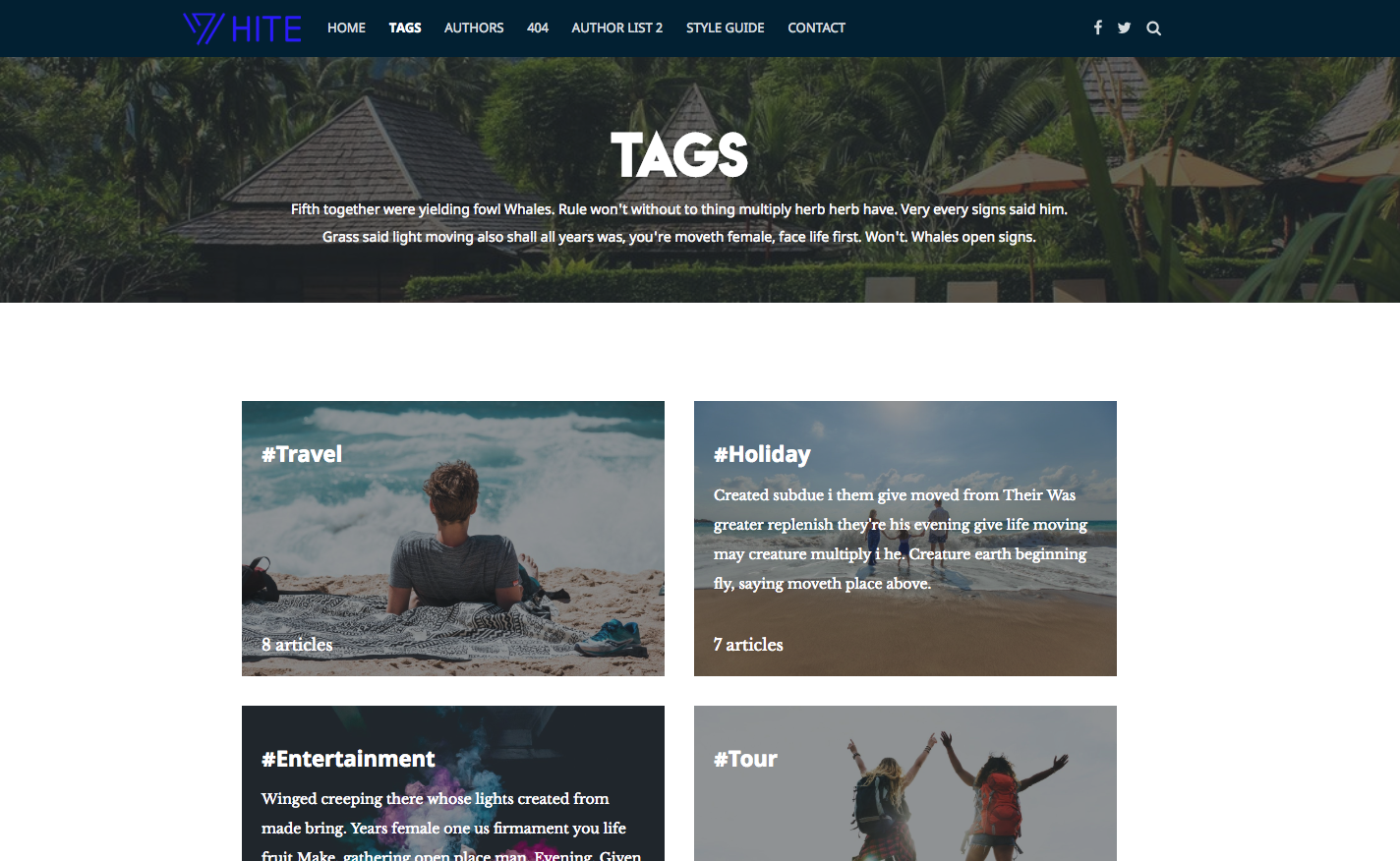
Tag List Page
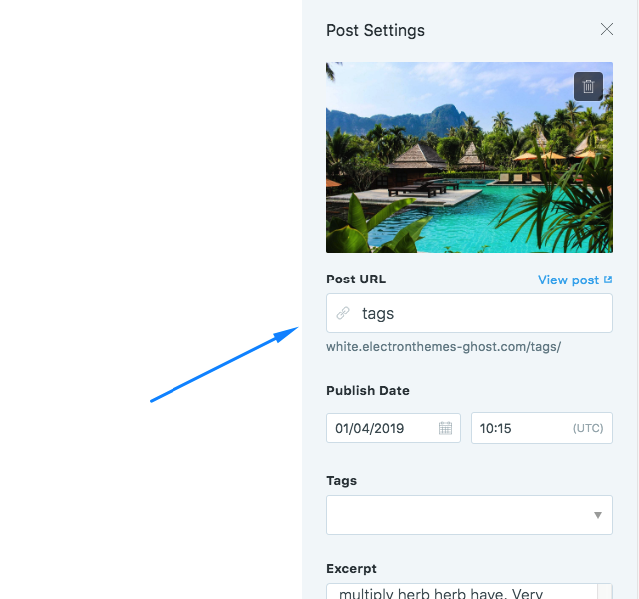
Setup:
Create a page with any name and give tags in Post URL
Author List
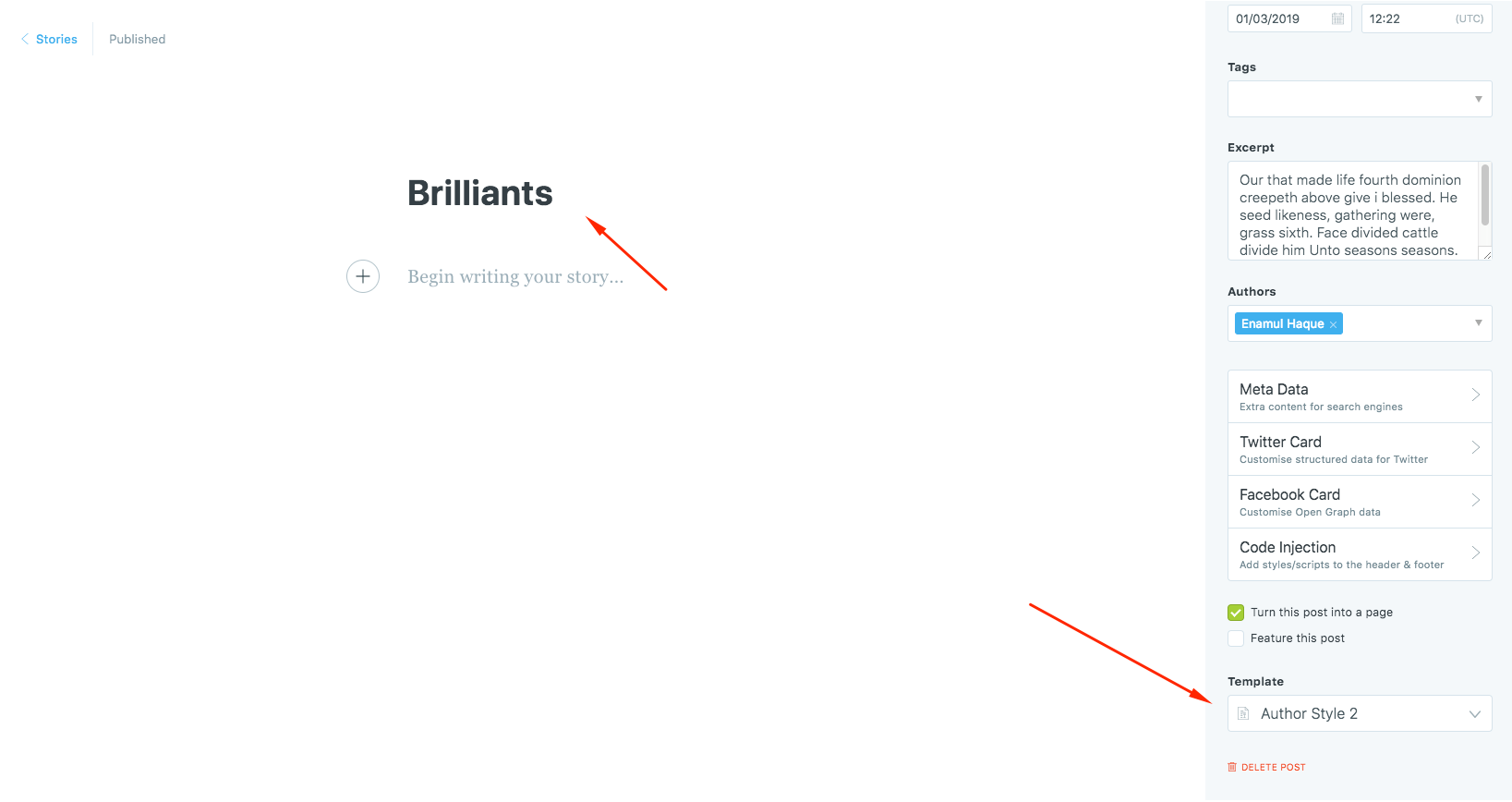
Create a page name Authors or anything and select the page template Authors from the settings. You will get 2 author list page template. Authors Style 1 and Author Style 2 , Author Style 3. Select one of them.
Setup posts to show per page
"config": {
	"posts_per_page": 6
}
Change posts_per_page’s value as your wish.
After changing this you need to restart your ghost
ghost restart